Industrial HMI Panels and On-Site Visualization
HMI (human machine interface) devices are display and control units installed right at the machine, on the line or in a building, such as touch panels, panel PCs and shop floor displays. They show status, measurements and alarms and allow operation on site. In the IoT stack, they bring data to where people work, not just to a dashboard in the cloud.

Sr Controls Engineer, ALPS Inspection 
Managing Director, BESI Marine Systems GmbH 
Co-Founder & CTO/CPO, Greenlyte Carbon Technologies 
Magna Exteriors (Meerane) GmbH, Manager Automation, Magna 
Head of Aftersales / Head of Product Management, Airco Systems GmbH
5 users from the network have already implemented this
Talk implementation with other users
In the user group, 300+ users discuss every month what worked in their projects and what they would do differently today. No vendors in the room, honest exchange under NDA.
Who offers it
HMI & visualisation in practice
2 manufacturers from our partner network with 33 solution examples. Those with the most documented use in this category come first.
- Get in touch with ifm-Unternehmensgruppe

ifm-Unternehmensgruppe
HMI & visualisation27 solution examples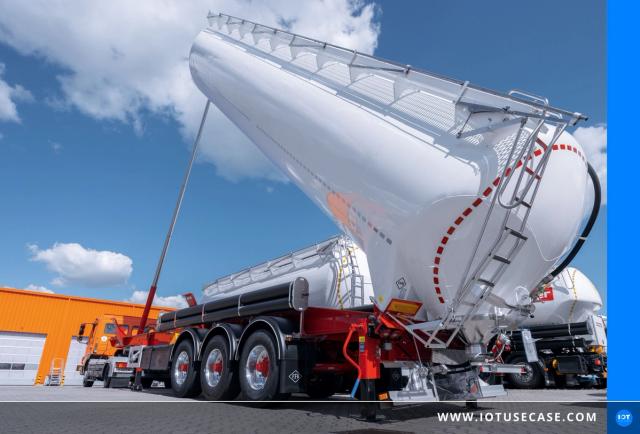

 Fleet ManagementDigital Documentation
Silo transport digitized: more efficient, safer and more convenient unloading
Mar 9, 2023Read more →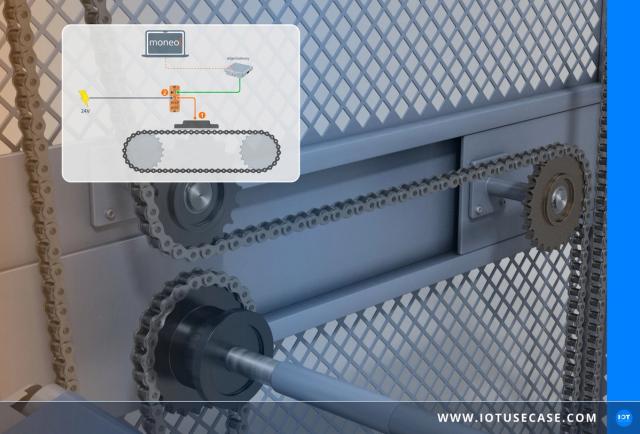



 Condition Monitoring
Roller chain monitoring via IO-Link to prevent downtime
Jun 16, 2026Read more →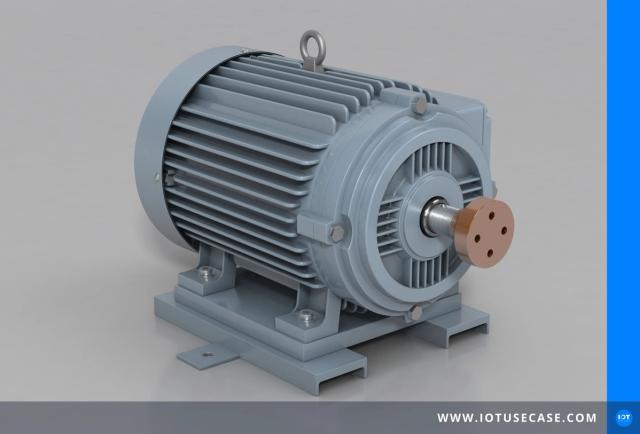 Condition MonitoringCorrective maintenance
Condition-based maintenance of drive motors for higher plant availability
Sep 4, 2025Read more → 
Exor International SpA
HMI & visualisation6 solution examples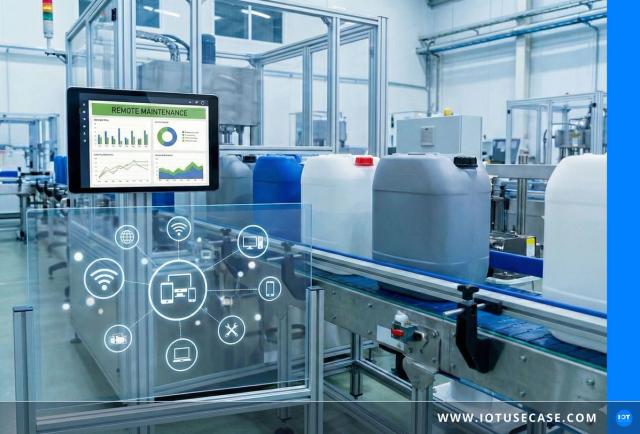



 Condition MonitoringCorrective maintenanceDigital Documentation
IoT-based HMI platform modernises remote maintenance in leak testing
Dec 15, 2025Read more →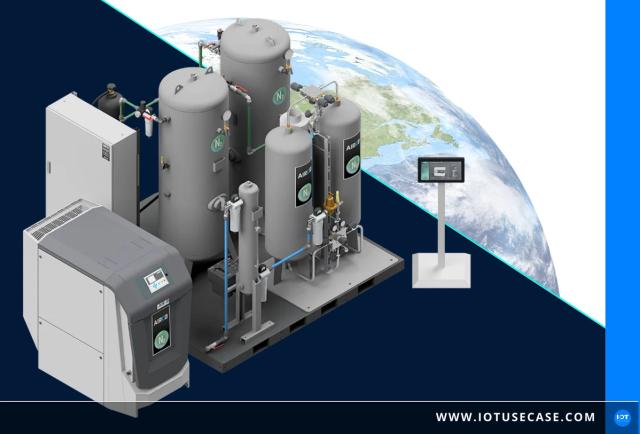
 Digital Documentation
Open source: data acquisition and visualisation for sustainable gas production
Mar 18, 2024Read more →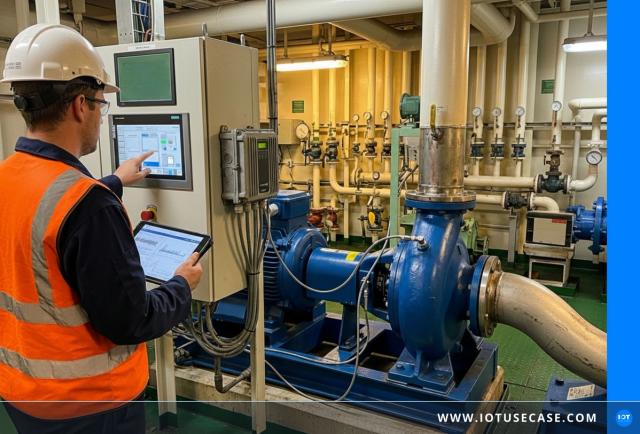


 Condition MonitoringEnergy MonitoringPredictive Maintenance
IoT-based pump control saves energy in maritime shipping
Jan 8, 2026Read more →
What it is used for
What they are used for, and with what
Based on these manufacturers' solution examples: the most common use cases and the technologies their solutions speak.
Use cases
- Automatic Spare Parts Ordering in Corrective Maintenance4 solution examples
- Structured access to files and documents3 solution examples
- Temperature Measurement in Condition Monitoring3 solution examples
- Audits and Reportings2 solution examples
- Early Detection of Damage in Condition Monitoring2 solution examples
What to look for
What HMI devices do
HMI stands for human machine interface, the point where people interact with machines. The term covers display and control devices installed right at the equipment or in the room: touch panels on the machine, panel PCs in the control cabinet, displays above the production line or control terminals in buildings. They show status, measured values and alarms and let operators change setpoints, load recipes or acknowledge faults.
The user interface is built with HMI software that links controller variables to screens, trends and controls. The project is created on a PC and then transferred to the panel.
How HMI differs from SCADA and cloud dashboards
An HMI panel visualizes data on site, at the device or machine. A SCADA system, by contrast, monitors many plants centrally from a control room and stores process data over long periods. An IoT platform dashboard runs in the cloud and serves analysis and management. Modern HMI devices bridge these worlds: they speak MQTT or OPC UA, display data from IT systems as well and can be operated through a web browser.
What to look for when choosing one
Key criteria are screen size and resolution, touch technology (capacitive for gestures, resistive often more reliable with gloves), front-panel ingress protection, often IP65 or IP66, brightness for readability and drivers for the controllers in use. The software matters just as much: licensing model, web capability, user management and whether projects can be reused across several devices.
In buildings, HMI displays take on similar tasks, for example as room control units for climate and lighting or as displays for occupancy and air quality. In production, large displays above the line are increasingly replacing whiteboards and printed lists, because they show KPIs in real time and make deviations visible immediately.
From the network, Exor offers HMI panels and its own visualization software. In solution examples, HMI displays on the shop floor show KPIs such as overall equipment effectiveness, output counts or energy consumption right where employees need them.
Frequently asked questions about HMI and visualization
What is HMI?
HMI stands for human machine interface. It covers all devices and screens that people use to monitor and operate a machine or plant, in industry usually touch panels or panel PCs mounted at the machine. They display status and alarms and accept inputs such as setpoints or fault acknowledgments, connecting the operator with the controller behind the scenes.
What is the difference between HMI and SCADA?
An HMI is used to operate and monitor a single machine or plant on site. SCADA stands for supervisory control and data acquisition and monitors many plants centrally, collecting and storing their data over long periods. SCADA itself uses HMI screens in the control room. Put simply, the HMI is the interface, and SCADA is the overarching system.
How do HMI and PLC work together?
The PLC controls the machine, and the HMI makes its status visible and operable. The panel reads variables such as temperatures or counts from the controller over Ethernet or a fieldbus and writes inputs like setpoints back. Which controllers a panel can talk to depends on its built-in drivers. OPC UA makes it easier to connect controllers from different vendors.
What is HMI software?
HMI software is used to create user interfaces and run them on panels or industrial PCs. It links controller variables to graphics, trends, alarm lists and controls, and it manages user permissions and recipes. Modern solutions are web-enabled, so the interface also appears in a browser on a tablet or PC, and they integrate data via MQTT or OPC UA.
What is an industrial panel PC?
An industrial panel PC is an industrial computer with a built-in touch display that is mounted directly on the machine or in the control cabinet door. Unlike a basic HMI panel, it runs an open operating system such as Windows or Linux, so it can host additional applications such as data collection or quality inspection alongside visualization. The front is usually protected against dust and water jets.
On the podcast
Episodes with these manufacturers and their customers.
- #183Saving Energy at Sea: How IoT Is Making Pump Systems More EfficientExor International SpA · BESI Marine Systems GmbH · Aug 27, 2025Listen
- #182IoT in Manufacturing: EXOR and AIRCO Connect Brownfield EnvironmentsExor International SpA · Airco Systems GmbH · Aug 20, 2025Listen
- #153Smart Manufacturing: How ALPS Inspection Uses IoT for Leak DetectionALPS Inspection · Exor International SpA · Jan 22, 2025Listen
Related categories
More product categories on the same layer and the technologies solutions in this category connect through.