
Proven Industrial and IoT Routers for Machines, Buildings and Sites
An industrial router connects the network of a machine, plant or building system to your company network, the internet or a cellular network and forwards data packets between them. It is typically built for DIN rail mounting, 24-volt supply and extended temperature ranges, and usually includes VPN, firewall and NAT. In the IoT stack it provides connectivity, while other devices handle data processing.

Head of Transport Center (Production Logistics & Mobility), Salzgitter Flachstahl 
Managing Director, BESI Marine Systems GmbH 
Sr Controls Engineer, ALPS Inspection 
Project Manager Digital Engineering, Albrecht Bäumer GmbH & Co. KG 
Head of Development, SPALECK GmbH & Co. KG 
Head of Aftersales / Head of Product Management, Airco Systems GmbH
6 users from the network have already implemented this
Talk implementation with other users
In the user group, 300+ users discuss every month what worked in their projects and what they would do differently today. No vendors in the room, honest exchange under NDA.
Who offers it
Routers in practice
3 providers from our partner network with 16 verified projects. Those with the most documented use in this category come first.
- Get in touch with IXON

IXON
Routers7 projects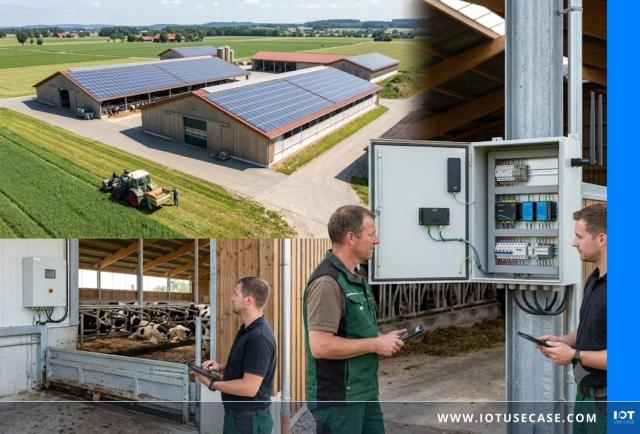


 Condition MonitoringCorrective maintenanceEnergy Monitoring
Remote access to control systems: from on-premise VPN to cloud platform
Jul 6, 2026Read more →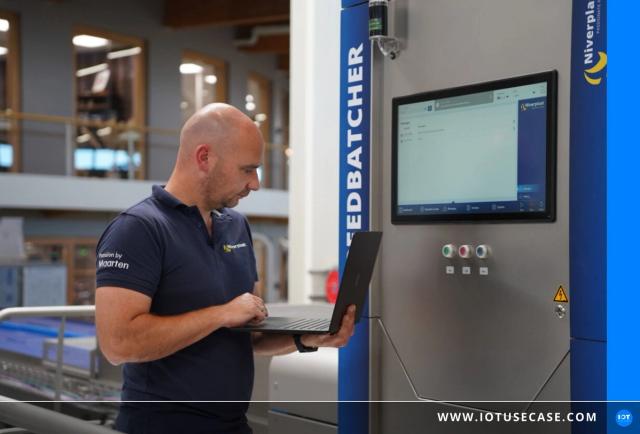



 Digital Documentation
How Niverplast uses IXON for logging data to AWS via MQTT
Jul 17, 2024Read more →
 Condition MonitoringRemote Maintenance
How Vecoplan convinces its customers to connect their machines to the cloud
Jul 18, 2023Read more → 
Exor International SpA
Routers6 projects

 Condition MonitoringDigital DocumentationTraceability
How Unifarco optimises cosmetics production through digital transformation
May 14, 2024Read more →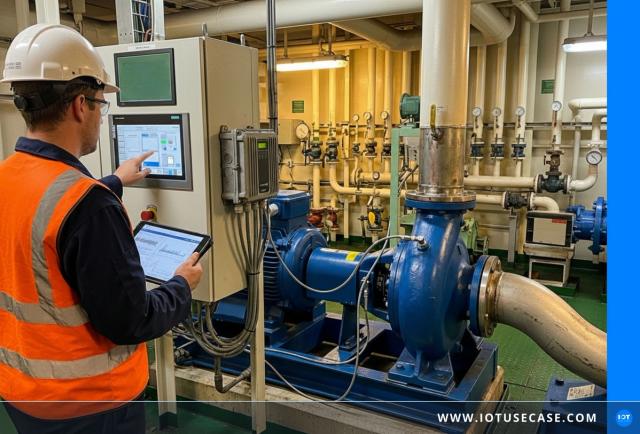


 Condition MonitoringEnergy MonitoringPredictive Maintenance
IoT-based pump control saves energy in maritime shipping
Jan 8, 2026Read more →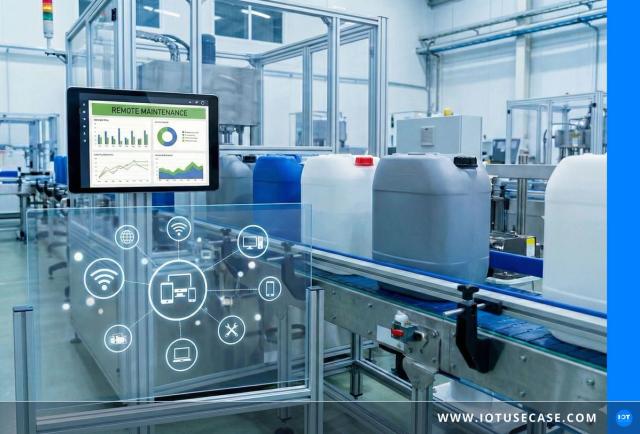


 Condition MonitoringCorrective maintenanceDigital Documentation
IoT-based HMI platform modernises remote maintenance in leak testing
Dec 15, 2025Read more →
SIEMENS AG | Industrial Wireless Communication
Routers3 projects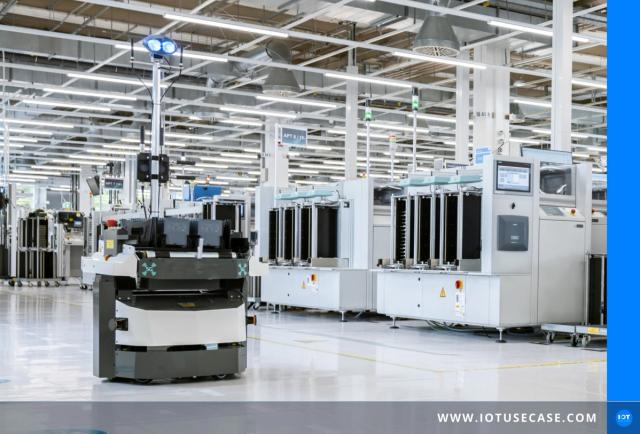




 Traceability
Private 5G networks as the foundation for industrial digitalization
Oct 13, 2025Read more →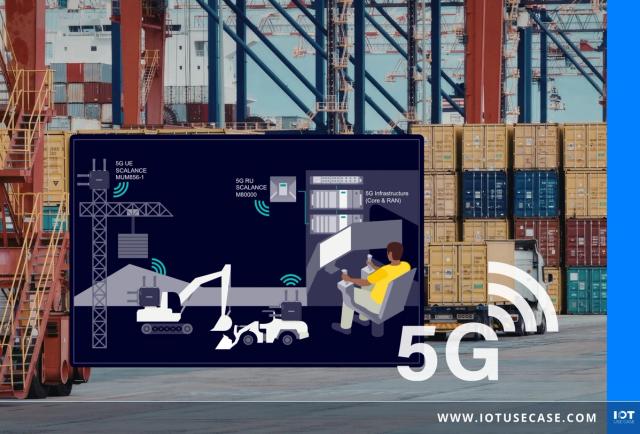
 Employee Safety
Private 5G brings reliable connectivity to harsh environments
Crane operators work under harsh conditions in ports and steel mills. With Private 5G, Siemens provides a stable, low-latency link for operating cranes remotely.
Oct 15, 2026Read more →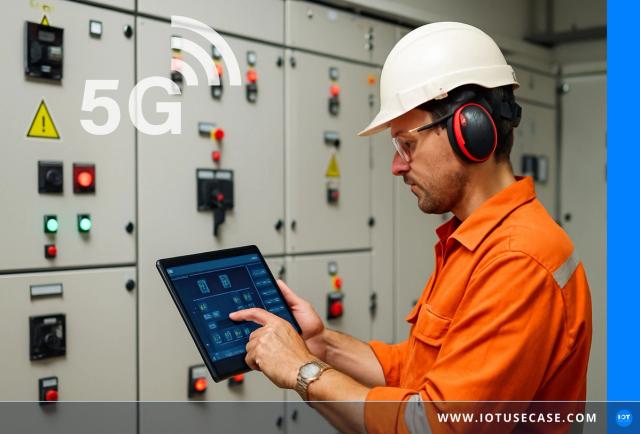 Condition Monitoring
5G: Secure remote access via public networks
Nov 21, 2025Read more →
What it is used for
What they are used for, and with what
Based on these providers' projects: the most common use cases and the technologies their solutions speak.
On the podcast
Episodes with these providers and their customers.
- #206From Condition Monitoring to Proactive Service in Mechanical EngineeringIXON · SPALECK GmbH & Co. KG · aiXbrain GmbH · Feb 18, 2026Listen
- #201Private 5G in Heavy Industry: Practical Insights from a Steel PlantSalzgitter Flachstahl · SIEMENS AG | Industrial Wireless Communication · Jan 14, 2026Listen
- #112Industrial Wireless Communication - Real-time communication via 5G with ProfinetSIEMENS AG | Industrial Wireless Communication · Oct 25, 2023Listen
What to look for
What an industrial router does
An industrial router, often also called an IoT router, connects the network of a machine, plant or building system to another network, usually your company network, the internet or a cellular network. Its main job is forwarding data packets between these networks. Depending on the model, it uses LTE, 5G, DSL, Wi-Fi or Ethernet for the outside connection. On top of that come VPN for secure remote maintenance, a built-in firewall, NAT to resolve address conflicts between identically configured machines, and digital inputs and outputs for simple alarm messages.
Unlike routers for the office or home, industrial routers are designed for harsh environments, whether in a control cabinet, a building's plant room or outdoors: DIN rail mounting, 24-volt supply, extended temperature range, rugged housings and long product availability.
Router, edge device or security gateway?
You buy a router for network connectivity. It connects networks but processes the data minimally or not at all. A 5G router, for example, connects a machine or an automated guided vehicle to the cellular network without making decisions about the content. If you need to convert protocols and preprocess data, you need an edge device. If separating OT from IT with verifiable security is your priority, a security gateway is the right choice.
What to look for when you choose one
Key criteria are the WAN connection (LTE, 5G for public or private campus networks, DSL), the number and type of LAN ports, VPN methods such as IPsec or OpenVPN, and integration with a remote access platform. If you use cellular, supported frequency bands, antenna connectors and dual SIM for higher availability matter. Add to that ingress protection, temperature range, certifications and an update strategy for the entire service life.
In practice, you often select the router together with the manufacturer of your machine or plant, who handles remote maintenance through it. As the operator, you also make sure that remote access can be enabled locally with a key switch or digital input and that every session is logged.
From the network, Siemens and Schildknecht offer router and wireless solutions for machines, buildings and plants, Siemens also with 5G routers. In the solution examples, industrial routers are often the basis for remote maintenance and for equipment operating in remote or mobile settings.
Frequently asked questions about industrial routers
What is an industrial cellular router?
An industrial cellular router connects machines, building systems or remote stations to the internet or your company network over 4G LTE or 5G. It is usually built for DIN rail mounting and 24-volt supply, works across extended temperature ranges and includes VPN and a firewall. You use it wherever no wired connection is available or where the machine should stay separate from the company network.
When does a 5G industrial router make sense?
A 5G industrial router makes sense when you need high data rates, low latency or a connection to a private 5G campus network. Typical applications are automated guided vehicles, mobile robots and machines that are moved around without cabling. For basic remote maintenance or sending a few measured values, for example from building systems, an LTE router is usually all you need.
What is an industrial Wi-Fi router?
An industrial Wi-Fi router provides a wireless network in production, warehouse or plant rooms or connects a machine to an existing network over Wi-Fi. Compared with routers for the office or home, it is more rugged, designed for DIN rail or wall mounting and often supports fast roaming for mobile devices. Many models combine Wi-Fi with LTE as a second path to the internet.
What is a DIN rail router?
A DIN rail router is an industrial router with a housing designed for the 35-millimeter mounting rail in your control cabinet. It runs on 24 volts, tolerates extended temperature ranges and sits right next to the controller and power supply. Depending on your requirements, you can get it with 4G LTE or 5G, several LAN ports and digital inputs and outputs for alarms or switching remote access on and off.
What is a remote access router?
A remote access router is an industrial router that lets your service technicians reach a machine securely over the internet. It establishes an encrypted VPN tunnel, usually via a central remote access platform, so no ports have to be opened in the customer network. Important features are user management with access rights, logging of every session and the option to enable access locally at the machine.
Related categories
More categories on the same layer and the technologies solutions in this category connect through.
More categories in the Source layer
IIoT Use Case user group
What no data sheet tells you
What did the rollout cost? What didn't hold up in the field, what would you do differently today? 300+ users from many different industries discuss questions like these every month, openly and without vendors in the room.
Online every month
Alternating tech and business focus
Users only
No sales pitches, exchange under NDA
300+ members
OT, IT and IIoT leads from industry